


MOST POPULAR PRODUCT

 Send Inquiry
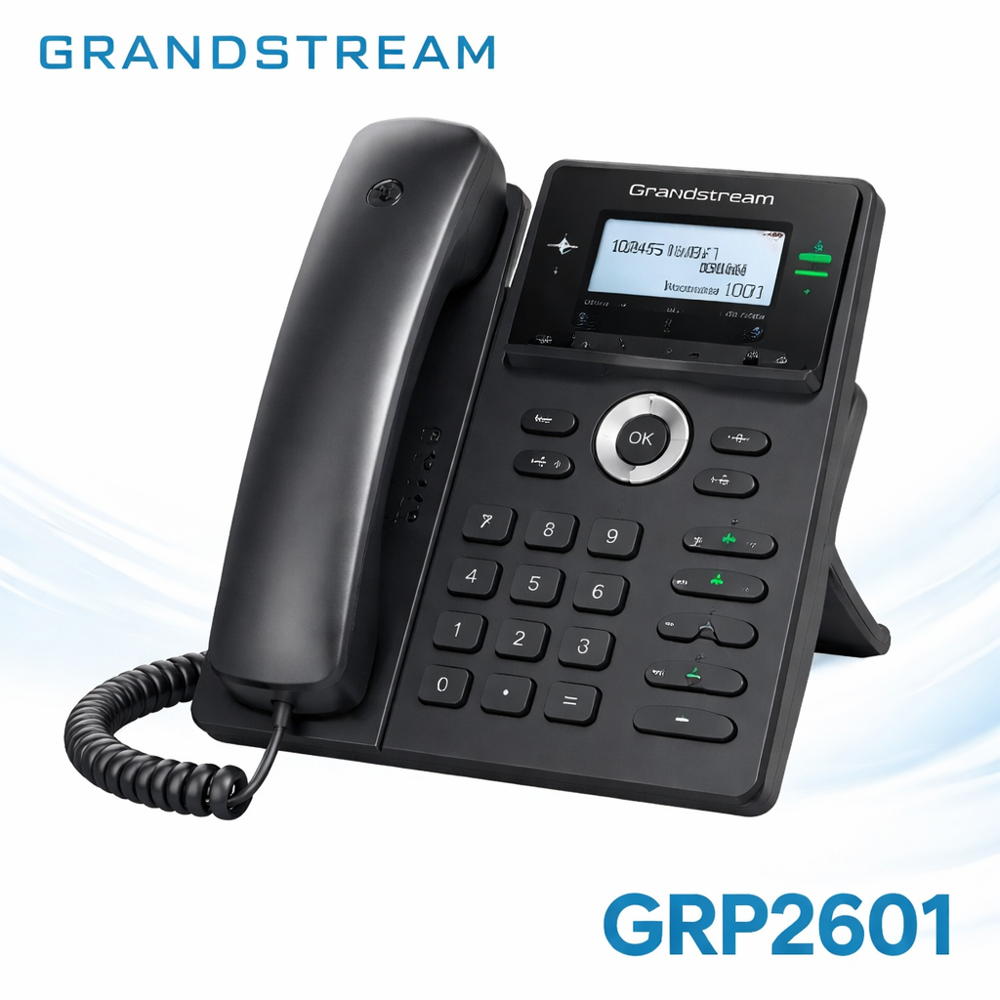
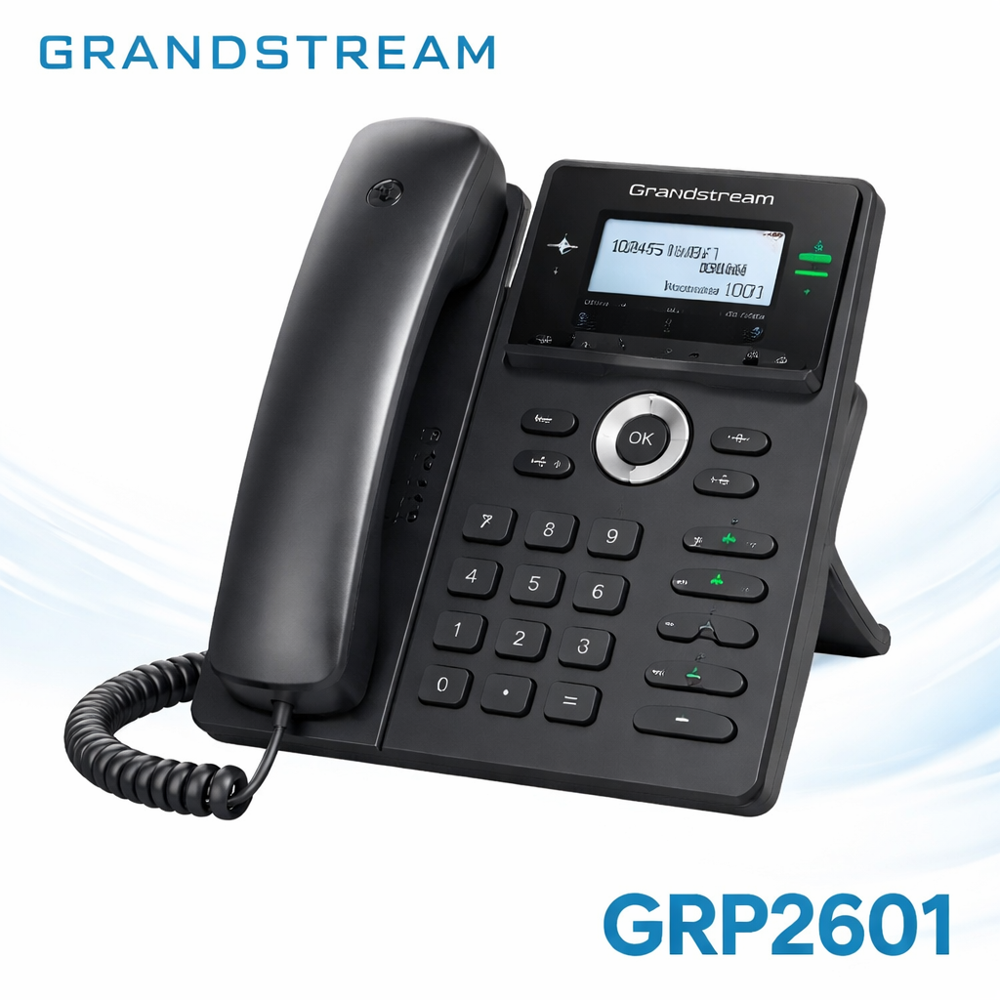
Grandstream GRP2614
Price 14161 INR/ Piece
MOQ : 5 Pieces
Grandstream GRP2614 Specification
- Usage & Applications
- Easily install the phone on a desk or wall to fit any workspace. Power the device via PoE or the provided adapter, and conveniently upgrade firmware through the intuitive web interface to maintain optimal performance and security.
- Mounting
- Desktop or wall mountable
- PoE
- IEEE 802.3af Class 3
- Expansion Module Support
- Yes
- Wi-Fi
- Integrated Dual-Band 2.4GHz & 5GHz Wi-Fi
- Lines Supported
- 4 SIP accounts, 4 lines
- Bluetooth
- Yes, integrated
- Audio Quality
- HD audio on handset and speakerphone
- Operating Temperature
- 0C to 40C
- Dimensions
- 222mm x 206mm x 44mm
- Conferencing Feature
- 5-way audio conferencing
- Firmware Upgrade
- Yes, via web interface
Grandstream GRP2614 Trade Information
- Minimum Order Quantity
- 5 Pieces
- Delivery Time
- 1 Week
Grandstream GRP2614 About
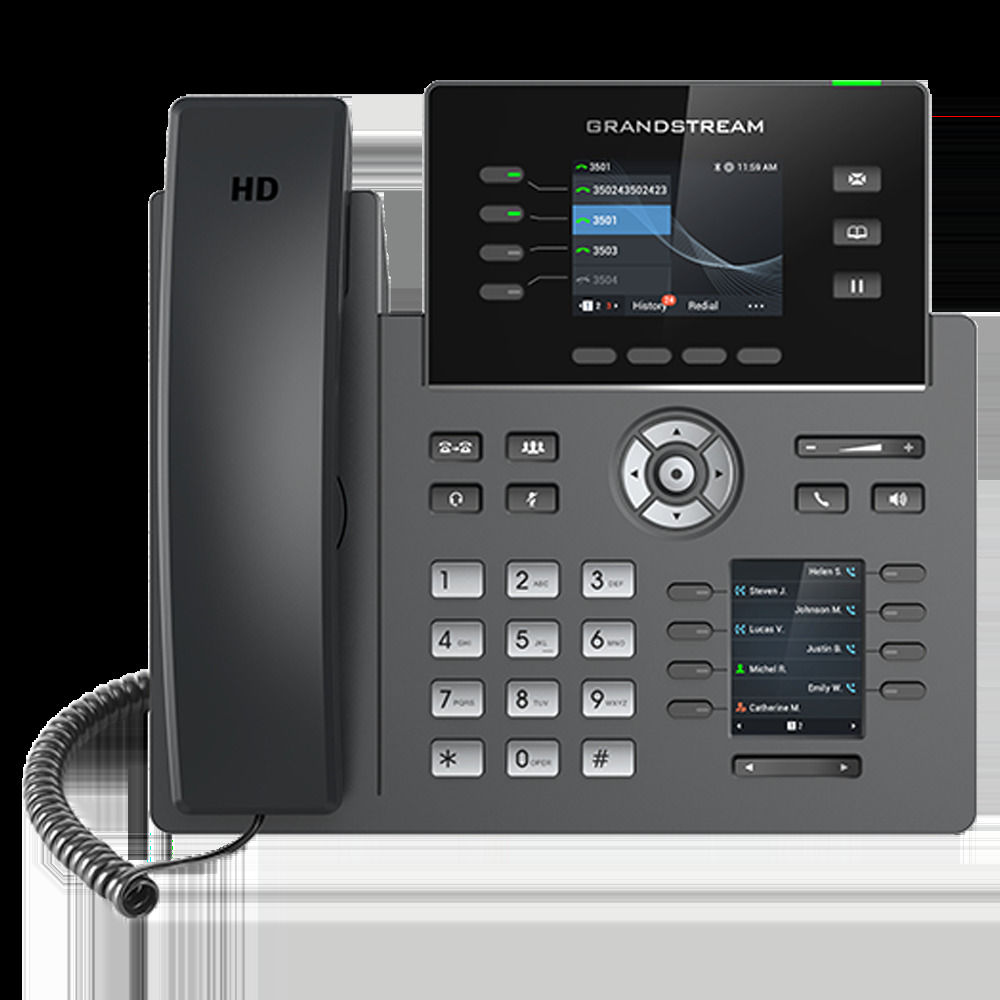
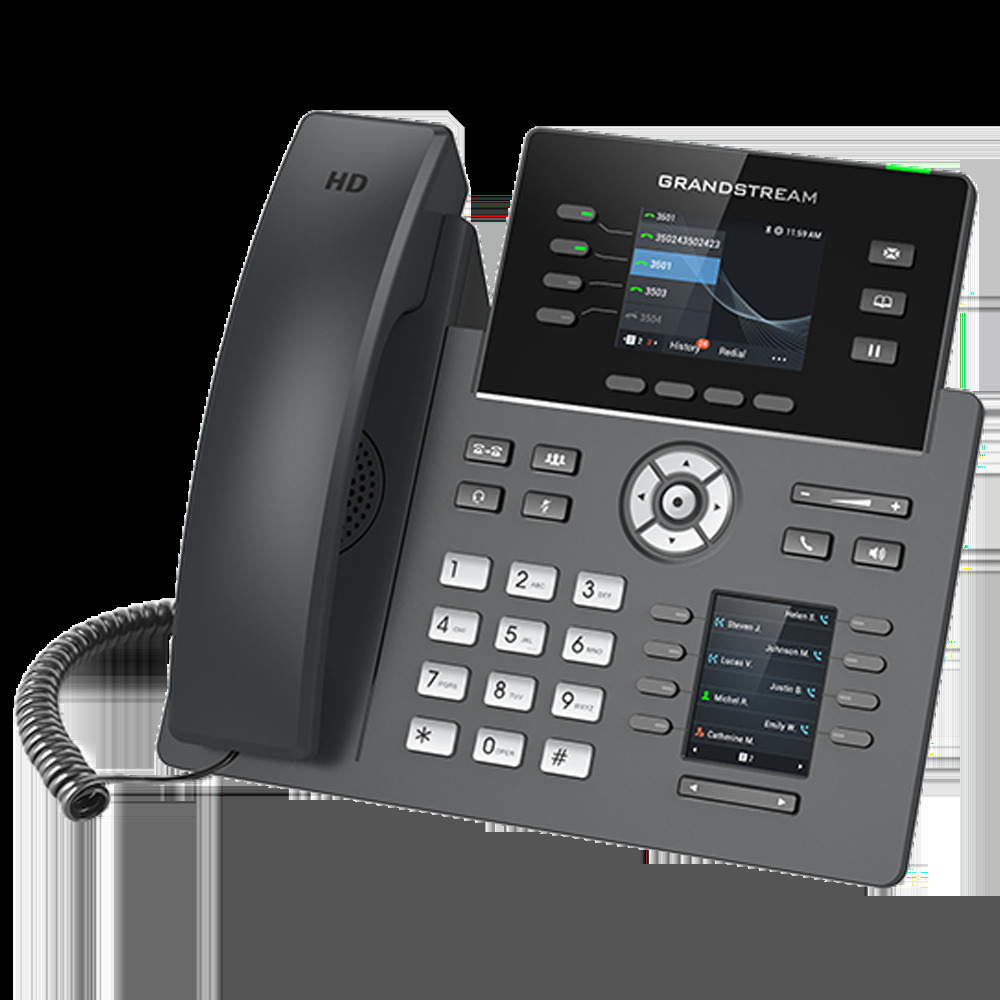
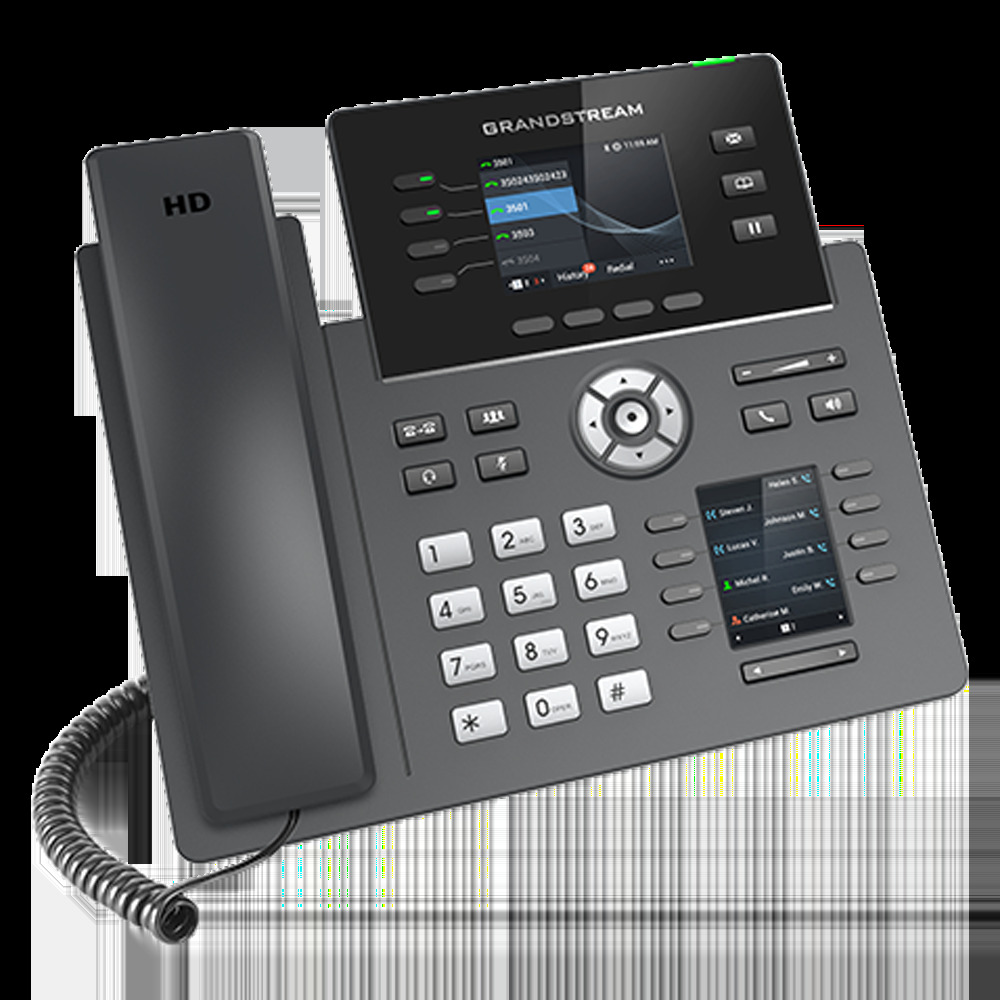
The GRP2614 features a sleek design and a suite of next-generation features including dual LCD screens with 40 virtual multi-purpose keys (VPKs), integrated WiFi, Bluetooth support, dual Gigabit ports and more.Superior Audio and Connectivity
Experience sharp conversations with HD audio on both the handset and speakerphone. The built-in dual-band Wi-Fi and integrated Bluetooth provide flexible connectivity, while the dual Gigabit Ethernet ports ensure fast, reliable networking for busy offices.
Feature-Rich Design for Professionals
With support for 4 SIP accounts, a vibrant color display, and expansion module capability, the GRP2614 empowers professional users to manage calls efficiently. Streamlined controls, soft keys, and navigation keys make operations smooth, whether on desktop or wall mount.
Flexible Deployment and Upgrade
Easily install the phone on a desk or wall to fit any workspace. Power the device via PoE or the provided adapter, and conveniently upgrade firmware through the intuitive web interface to maintain optimal performance and security.
FAQ's of Grandstream GRP2614:
Q: How can I connect the Grandstream GRP2614 to my office network?
A: The GRP2614 offers several connectivity options: use dual Gigabit Ethernet ports with PoE for wired connections, or utilize the integrated dual-band Wi-Fi (2.4GHz & 5GHz) for wireless access. Simply select the method that best fits your office infrastructure.Q: What benefits does the HD audio feature provide during calls?
A: HD audio on both the handset and speakerphone ensures exceptionally clear voice quality. This reduces misunderstandings, improves communication efficiency, and supports productive business conversations.Q: When is it necessary to upgrade the phone's firmware, and how is it done?
A: Firmware upgrades are recommended whenever Grandstream releases new updates for enhanced performance or security. You can upgrade using the user-friendly web interface by following the on-screen prompts after logging into the phone's admin panel.Q: Where can the GRP2614 be installed in the office?
A: The phone is designed for flexible installation-it can be placed on any desktop or mounted on a wall, adapting easily to different office layouts and saving valuable workspace.Q: What is the process for setting up call conferencing on the GRP2614?
A: Initiate a 5-way audio conference by using the dedicated soft keys and following the on-screen instructions. The GRP2614 supports easy conference management, ideal for team discussions and client meetings.Q: How does the voice mail and DND feature enhance my business communication?
A: Voice mail ensures you never miss important messages by storing them for later retrieval, while the Do Not Disturb (DND) feature lets you silence incoming calls when uninterrupted focus is needed.Q: What expansion and accessory options are available with this IP phone?
A: The GRP2614 supports expansion modules for advanced call management and has ports for USB accessories and RJ9 headsets. This makes it highly customizable for evolving business needs.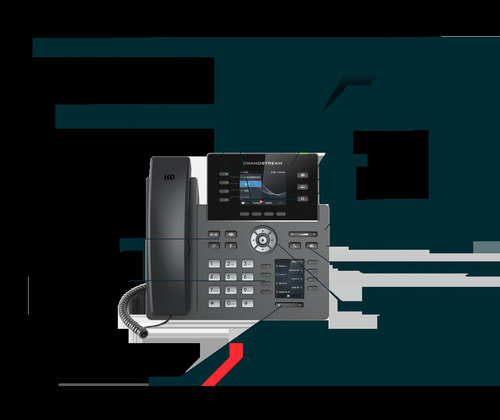
Tell us about your requirement

Price:
Quantity
Select Unit
- 50
- 100
- 200
- 250
- 500
- 1000+
Additional detail
Mobile number
Email

More Products in Grandstream IP Phone Category
Grandstream GXP 2140
Price 12500.0 INR / Unit
Minimum Order Quantity : 3 Units
Material : ABS Plastic
Weight : 0.98 kg
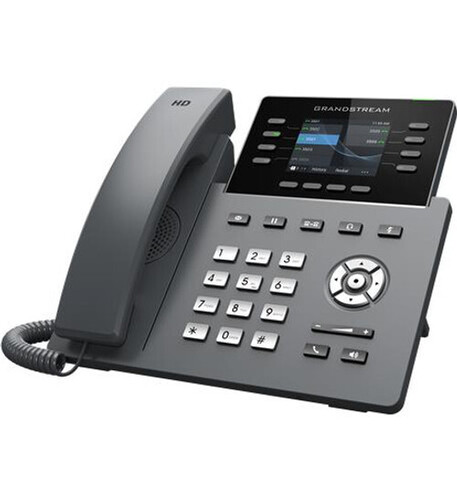
Grandstream GRP2670
Price 18526.00 INR / Piece
Minimum Order Quantity : 5 Pieces
Material : Plastic
Weight : Dimension: Unit weight:1.1kg ; Package weight:1.65kg Kilograms (kg)
Caller ID : Yes
Interface : Digital
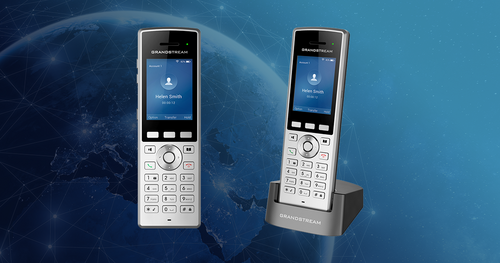
Grandstream WP822 Wireless IP Phones
Price 13500.00 INR / Piece
Minimum Order Quantity : 5 Pieces
Material : Plastic
Weight : Lightweight Carat
Caller ID : Yes
Interface : Wireless IP
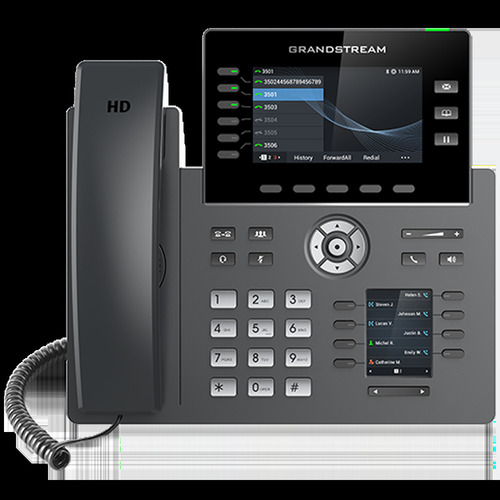
Grandstream GRP2616
Price 13950.00 INR / Piece
Minimum Order Quantity : 5 Pieces
Material : Plastic
Weight : Approx. 1.2 Kg Kilograms (kg)
Caller ID : Yes
Interface : RJ45 Ethernet Ports USB Port

Quick Inquiry


Contact Details
OPTIMA TECHNOLOGIES
GST : 29AKMPK0694E1ZW
GST : 29AKMPK0694E1ZW
No 439/23, 2nd Main Road, Nrupathunga Layout, JP Nagar 7th Phase,Bengaluru - 560078, Karnataka, India
Phone :08045477919

 Send Inquiry
Mr Niranjan V (Proprietor)
Mobile: 08026642852
Mobile: 08026642852

 |
OPTIMA TECHNOLOGIES
All Rights Reserved.(Terms of Use) Developed and Managed by Infocom Network Private Limited. |
